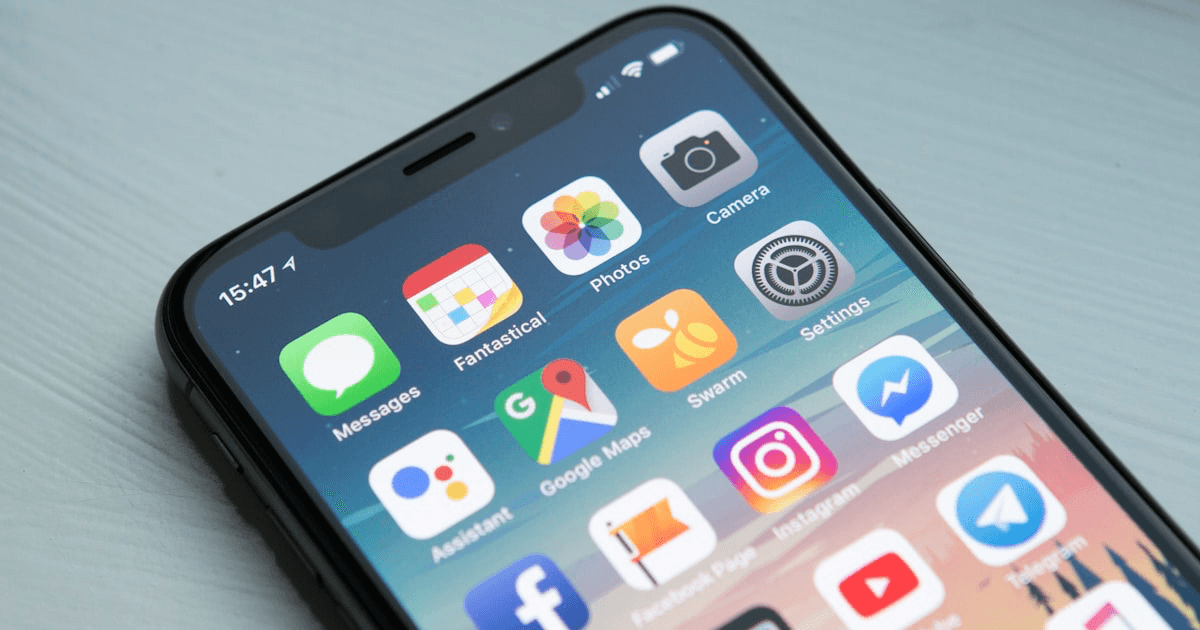
React Native and Expo SDK 54: my experience report on FitTrack
FitTrack is my first real production mobile project with React Native and Expo SDK 54. An honest look at what I liked, what surprised me, and the technical choices behind the app: navigation, local storage, camera, and animations.

I come from the web. Next.js, React, TypeScript: that's my home turf. So when I wanted to build FitTrack, a workout tracking app, the question came up: native Swift, Flutter, or React Native?
I picked React Native with Expo (SDK 54). And after several months on it, I have no regrets. Here's why, and what it means in practice.
The bet: reuse what I already know
The number one argument for React Native when you're a web dev is mental continuity. Components, hooks, state, props: it's all there. I didn't have to relearn a paradigm.
// A FitTrack screen looks like any React component
import { View, Text, Pressable } from "react-native";
import { useState } from "react";

export default function WorkoutScreen() {
  const [sets, setSets] = useState<Set[]>([]);

  return (
    <View style={styles.container}>
      <Text style={styles.title}>Today's session</Text>
      <Pressable onPress={() => addSet()} style={styles.button}>
        <Text style={styles.buttonText}>Add a set</Text>
      </Pressable>
    </View>
  );
}
The main difference: <View> instead of <div>, a mandatory <Text> for any text, and styles as JS objects rather than CSS. The learning curve fits in one afternoon.
Expo: the comfort that changes everything
I could have gone with "bare" React Native. I chose Expo, and that's what made the project doable solo.
- Expo Go: scan a QR code and see the app on my iPhone in real time.
- Ready-to-use native modules: camera, haptics, storage, without touching Xcode.
- EAS Build: compile an iOS binary in the cloud, without a Mac dedicated to building.
SDK 54 brings support for React 19 and the latest stabilized native APIs. In practice, I was able to use Server Components on the shared logic side and benefit from the performance improvements of the new engine.
FitTrack's technical choices
Navigation
I used React Navigation with a tab structure (workouts, history, profile) plus nested stacks for the detail screens.
const Tab = createBottomTabNavigator();

export function AppNavigator() {
  return (
    <Tab.Navigator screenOptions={{ headerShown: false }}>
      <Tab.Screen name="Workout" component={WorkoutStack} />
      <Tab.Screen name="History" component={HistoryStack} />
      <Tab.Screen name="Profile" component={ProfileScreen} />
    </Tab.Navigator>
  );
}
Local storage
No backend at first: FitTrack had to work offline. I went with AsyncStorage to persist the workouts. Simple, good enough for lightweight structured data, and synchronous to read at startup through a custom hook.
async function saveWorkout(workout: Workout) {
  const raw = await AsyncStorage.getItem("workouts");
  const list: Workout[] = raw ? JSON.parse(raw) : [];
  list.push(workout);
  await AsyncStorage.setItem("workouts", JSON.stringify(list));
}
Camera and haptics
Expo Camera is used to scan the machines at the gym (a proof of concept for equipment identification). Expo Haptics adds tactile feedback to the rest timer, a small detail that makes the app feel alive.
import * as Haptics from "expo-haptics";

function onRestComplete() {
  Haptics.notificationAsync(Haptics.NotificationFeedbackType.Success);
}
Charts
To visualize progress, I drew the curves with react-native-svg rather than a heavy library. More control, and a lighter bundle.
What surprised me
The good. Expo's HMR is stunning: edit a component and see it updated on the phone in under a second, a feedback loop as fast as on the web.
The less good. List performance. With a loaded history, a poorly configured FlatList stutters. You have to take care of keyExtractor, getItemLayout, and item memoization. On the web you got away with magical virtualization; here you have to be explicit.
The unexpected. Handling screen dimensions and SafeAreaView. The notch, the Android navigation bar, the keyboard pushing the layout around: so many cases the web never forced me to handle this carefully.
The takeaway
React Native with Expo SDK 54 let me ship a complete mobile app, solo, reusing 80% of my web instincts. For a product like FitTrack (rich UI but no exotic native needs), it's the sweet spot.
If I had to advise a web dev who wants to move to mobile: start with Expo. You'll be productive on day one, and you'll only drop down to native when a real need demands it. In my case, that need never came.
Further reading

Written by
Déto Jean-Luc GouahoFull-stack developer based in Canada. I write about code, AI, and the products I build.
Read next

AI Codes Better Than Me, and Why I'm Totally Fine With That
My (unapologetic) take on AI in dev: it's neither a messiah nor the great replacer, it's a tool. An evolution we don't really have the option to skip, and one that's pushing us toward an architect role. Because yes, AI codes well, you just have to stop it from going completely off the rails.
Bringing Hermes Agent into my workflow: why I prefer it over OpenClaw
I tested several AI agents to automate tasks across my projects. After integrating Hermes Agent and then comparing it to OpenClaw, I've made my choice. An honest field report on integration, control, transparency, and cost.